
01 · Mac teleprompter
Keep the script in view.
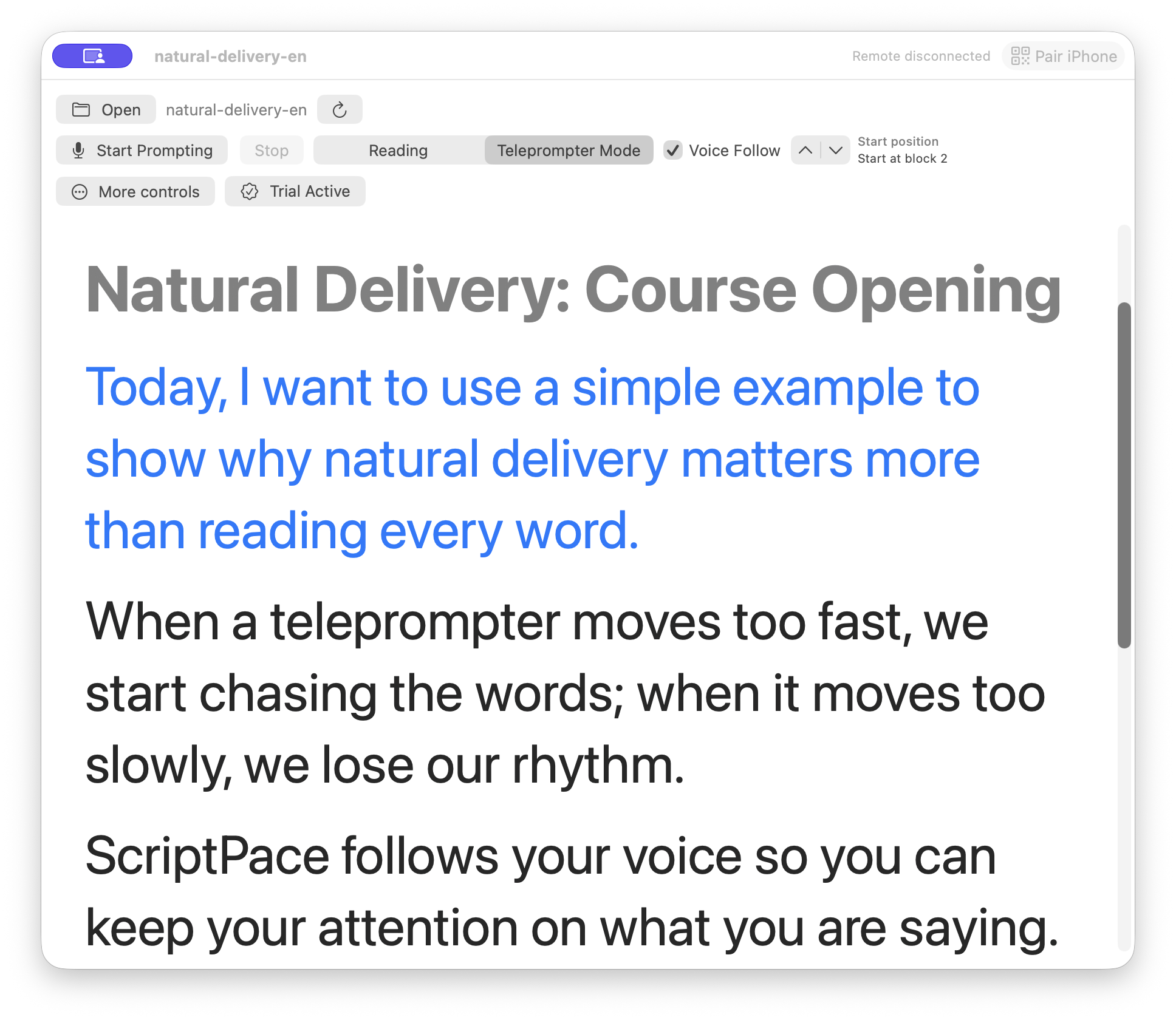
Mac is your primary delivery surface. Open a supported script in a clear floating teleprompter, then let system speech read it aloud when you want to hear the rhythm before you practice.
Features and workflow
ScriptPace connects the teleprompter, practice, voice following, and remote control into one calm path from preparation to recording.
01 · Mac teleprompter
Mac is your primary delivery surface. Open a supported script in a clear floating teleprompter, then let system speech read it aloud when you want to hear the rhythm before you practice.
02 · Voice Follow
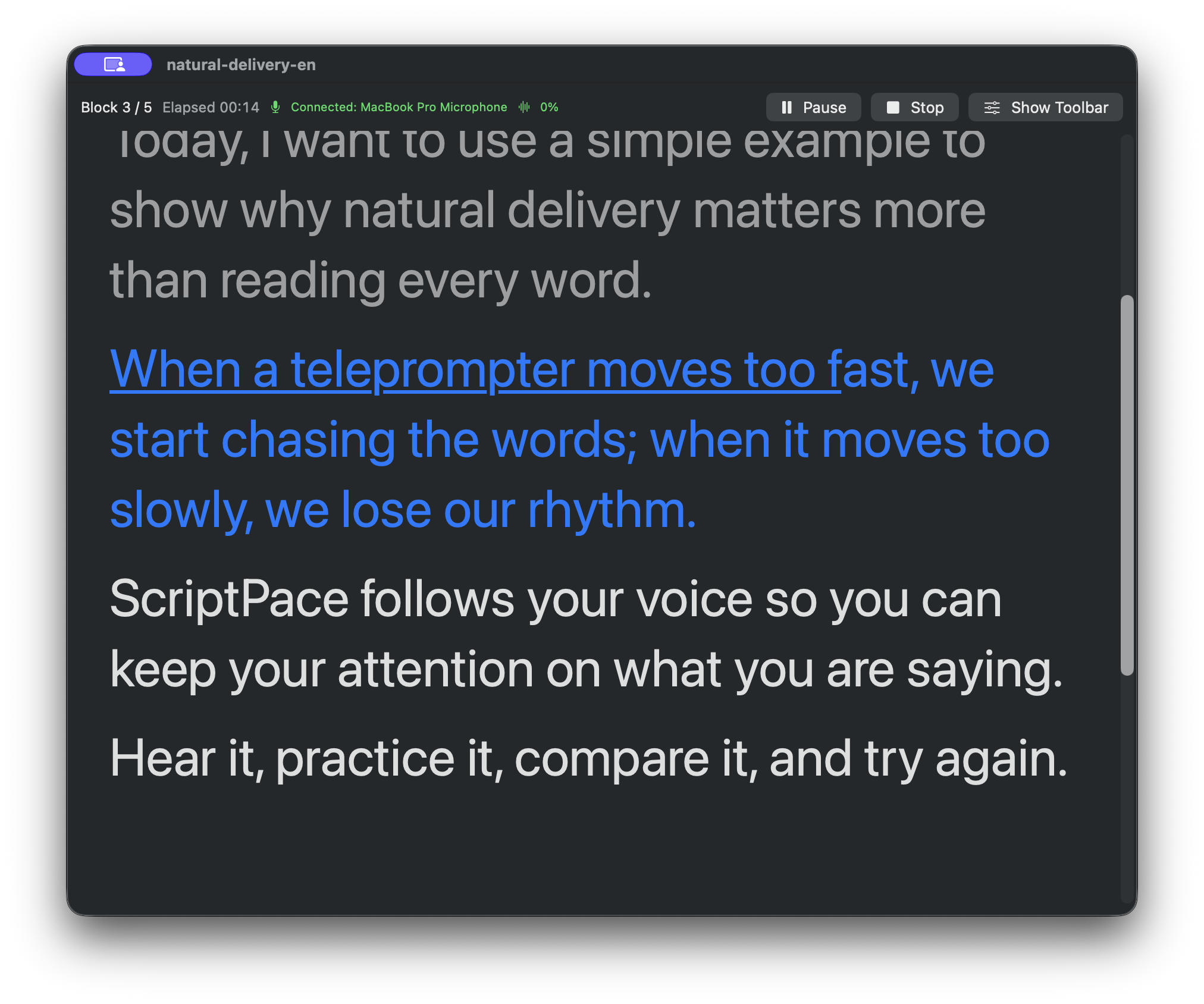
Speak at your natural pace and let transcribed speech move the script forward. It is designed to keep your attention on what you are saying instead of making you chase a fixed scroll speed.
03 · iPhone practice
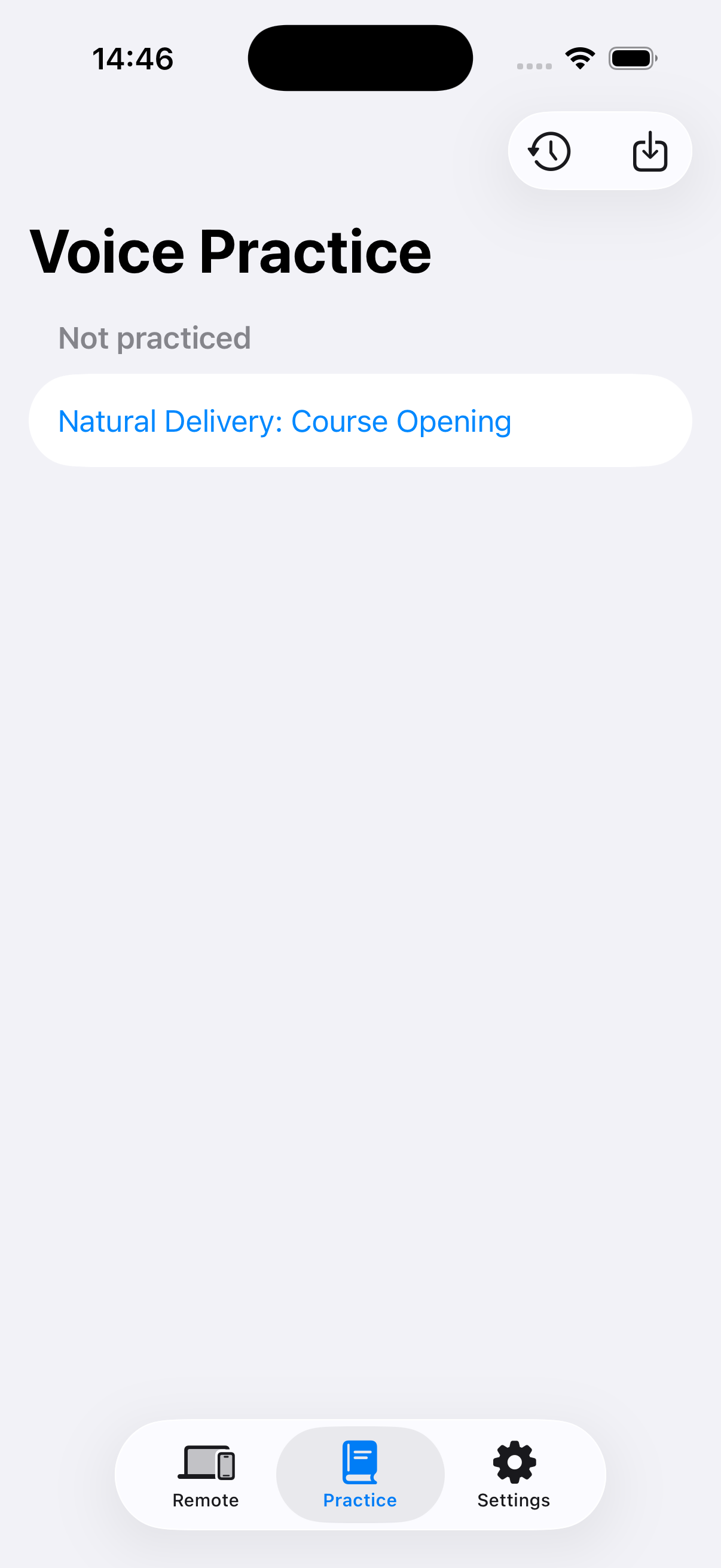
Practice on iPhone before a formal take. Become familiar with the script, its paragraphs, and the way you want to deliver it before the camera is on.
04 · Remote
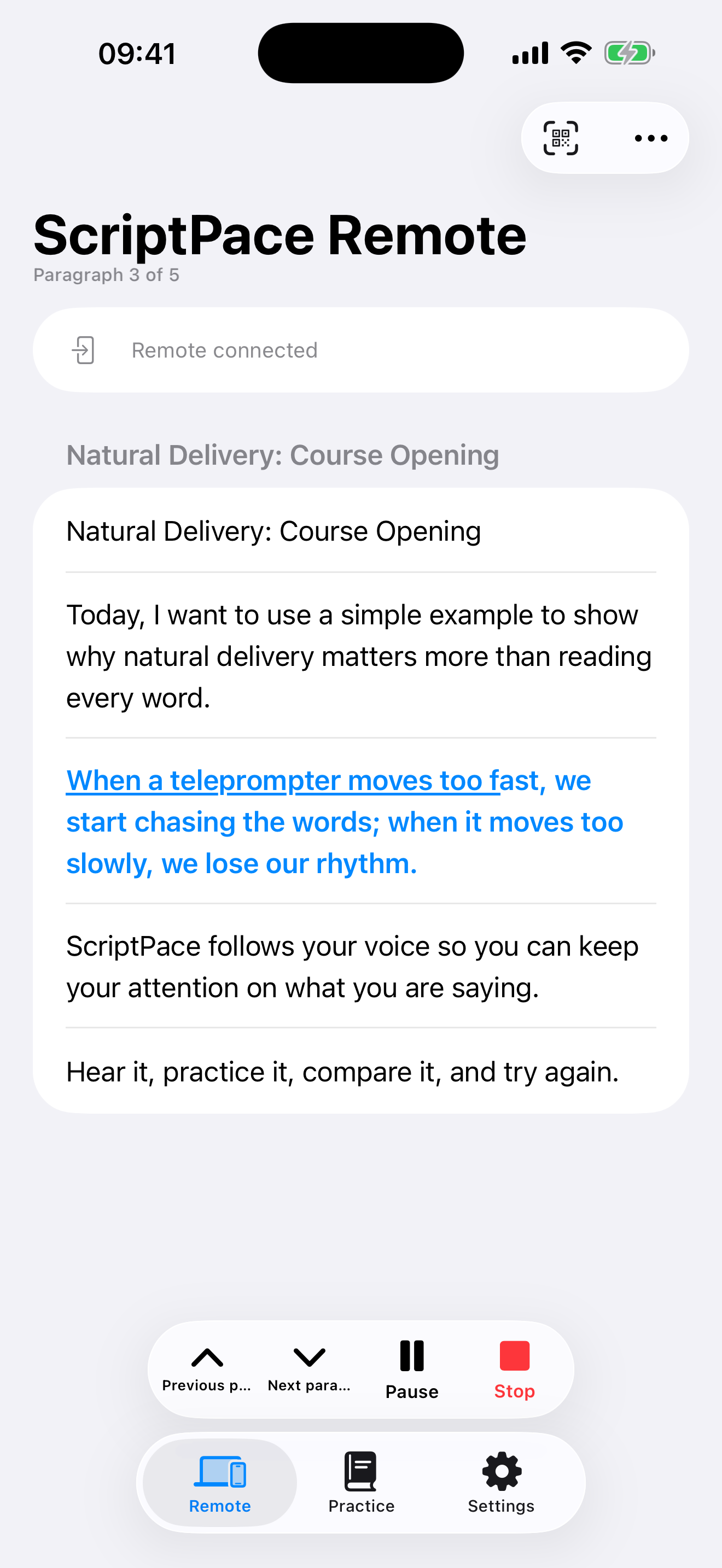
Scan the QR code on Mac to connect iPhone Remote. If an improvised point changes the rhythm or an occasional mismatch appears, move to the previous or next paragraph without breaking the take.
05 · Apple Watch
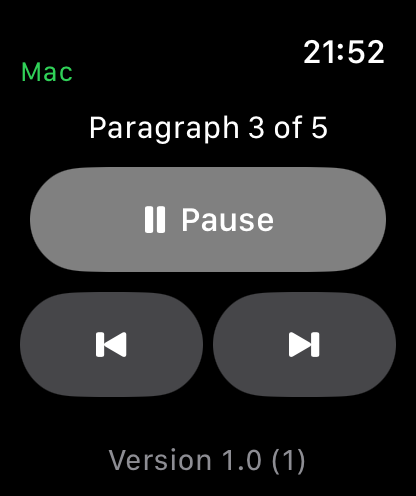
Apple Watch is a free Remote companion. Turn the Digital Crown or use previous and next paragraph controls when reaching for iPhone is inconvenient.
06 · Practice review
After practice, review the read-only speech transcript alongside the script to understand the take and prepare for another one. ScriptPace does not automatically rewrite your script.
Keep your attention on the next, more natural take.